
Description
UGREEN 50744 4K HDMI KVM Switch Overview
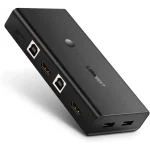
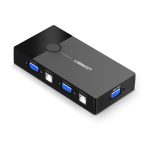
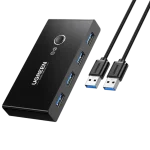
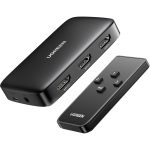
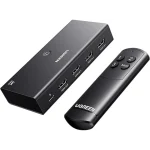
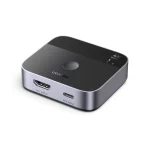
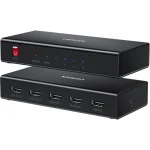
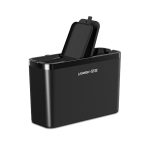
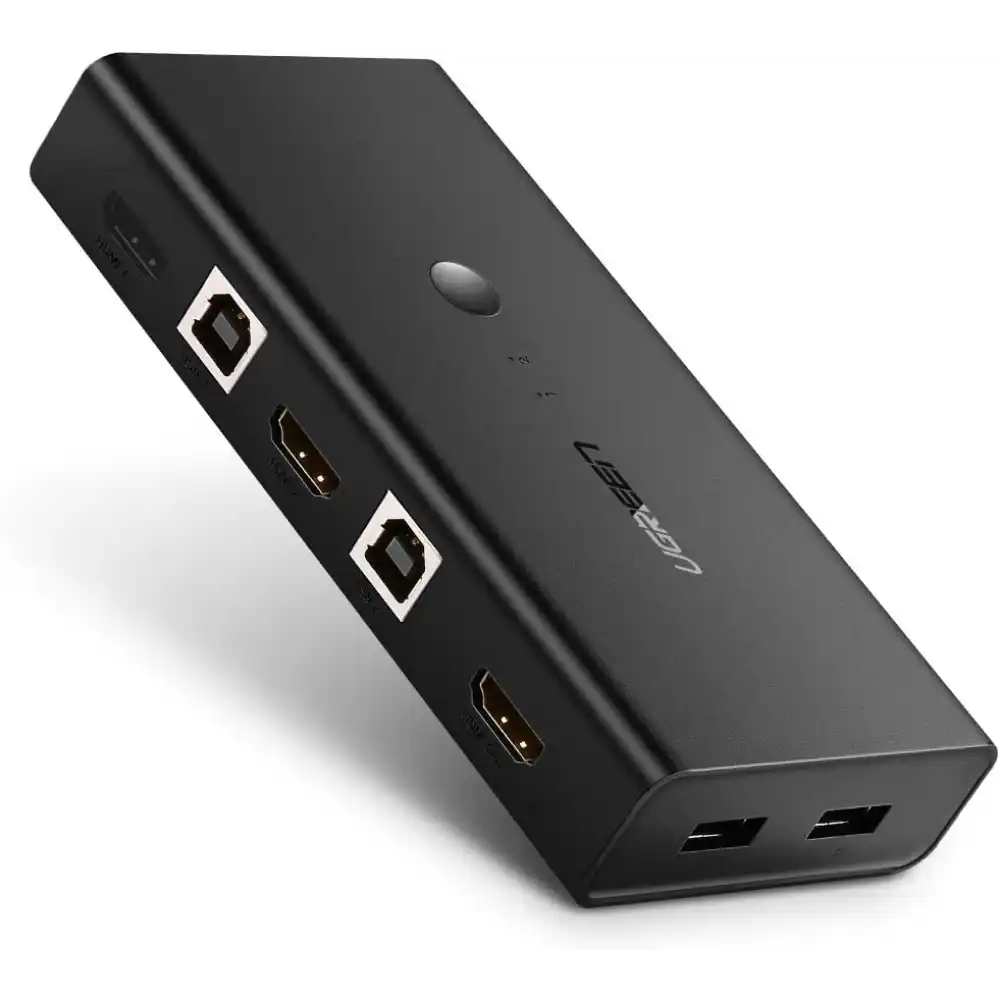
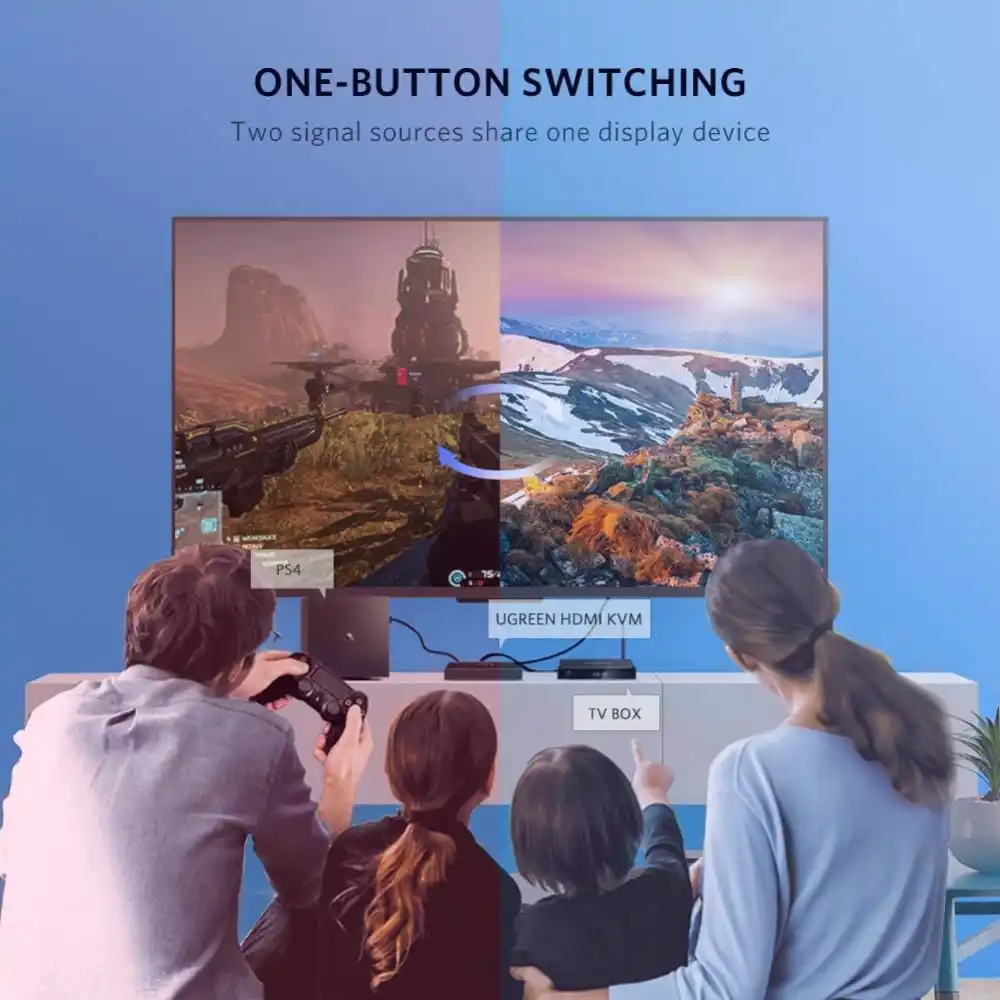
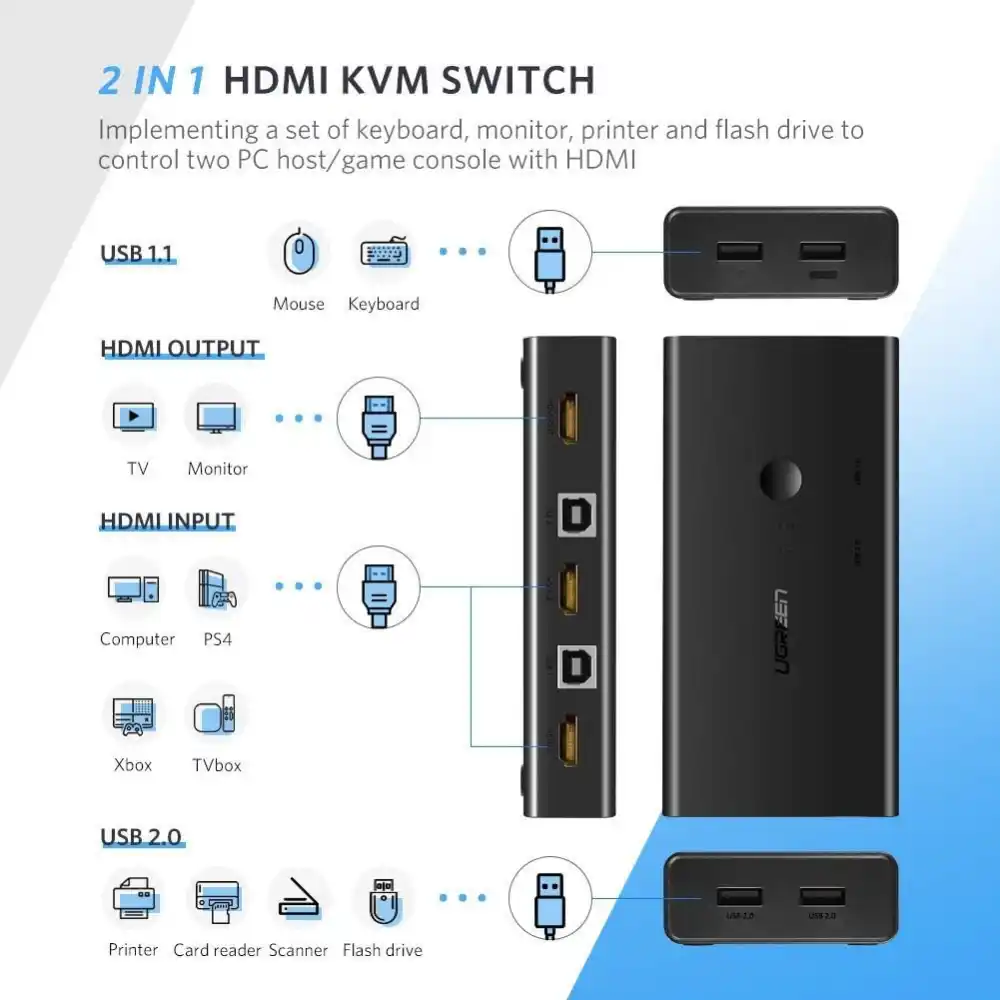
The UGREEN 50744 is a 4K HDMI KVM switch. It suits dual-computer setups well. It lets you control two computers or game consoles. You only need one HDMI monitor, keyboard, and mouse. Also, it supports up to 4K@30Hz resolution. This gives clear, detailed video output. So, the UGREEN 50744 suits office work, multitasking, gaming, and home setups. Furthermore, you can switch between two devices in seconds. Additionally, this design keeps your desk free of duplicate keyboards and monitors. Therefore, this KVM switch removes the daily hassle of separate peripherals.
Key Features
- Also, control two computers or HDMI devices with one keyboard, mouse, and display.
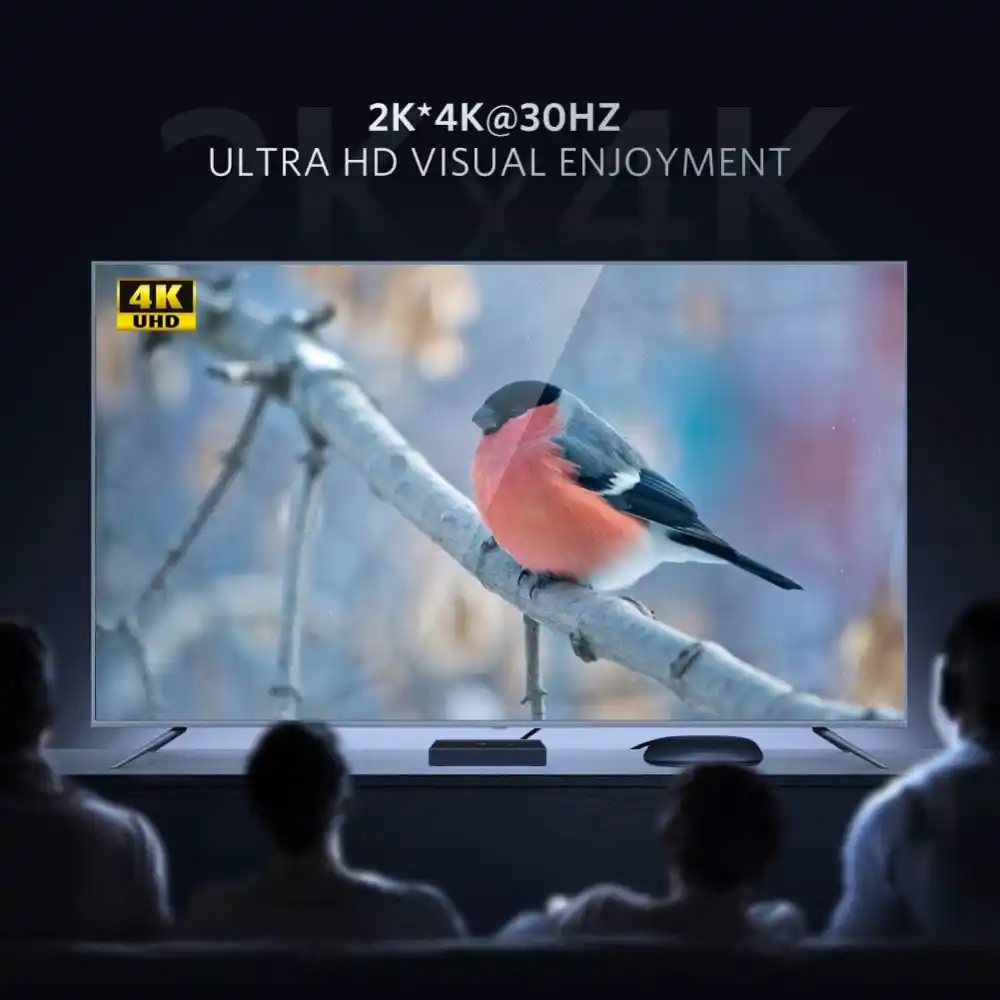
- Moreover, support HDMI resolution up to 4K@30Hz for clear video output.
- Furthermore, use the built-in 2-port USB 2.0 hub for sharing USB devices.
- Additionally, connect printers, scanners, USB flash drives, card readers, and more.
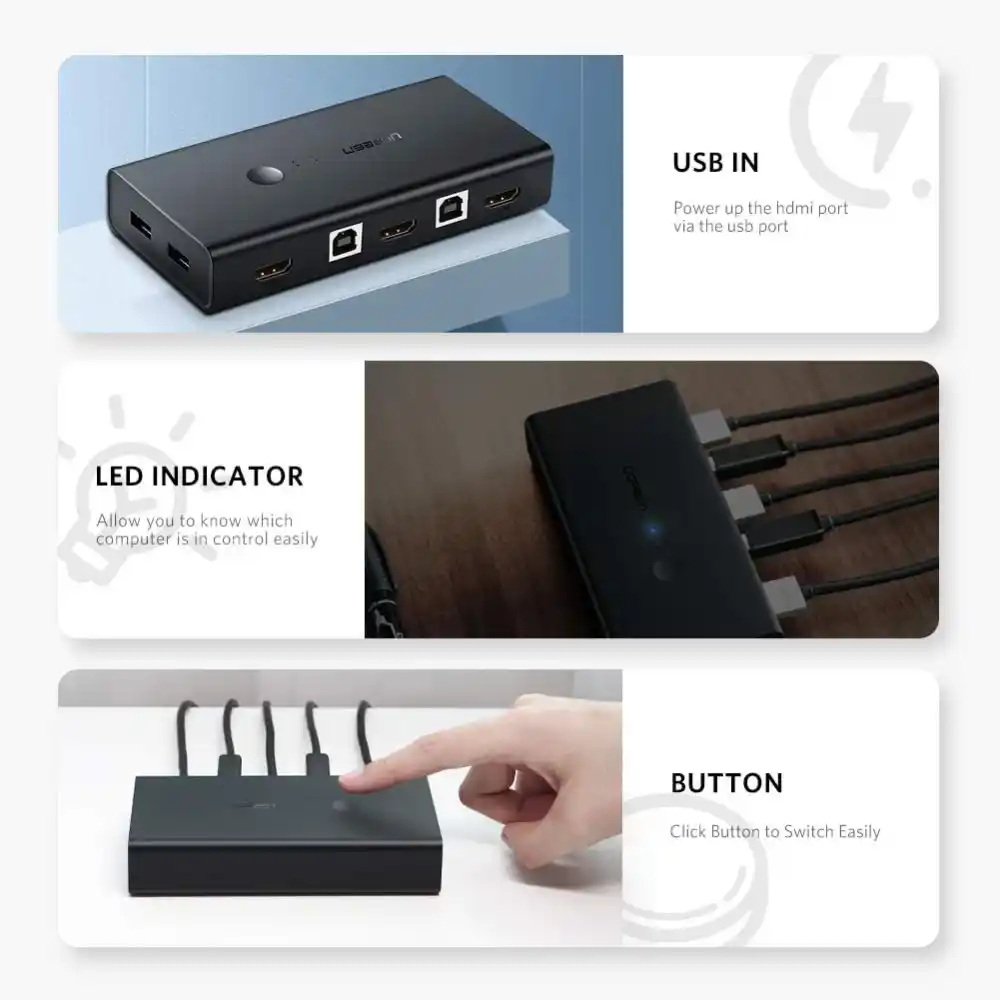
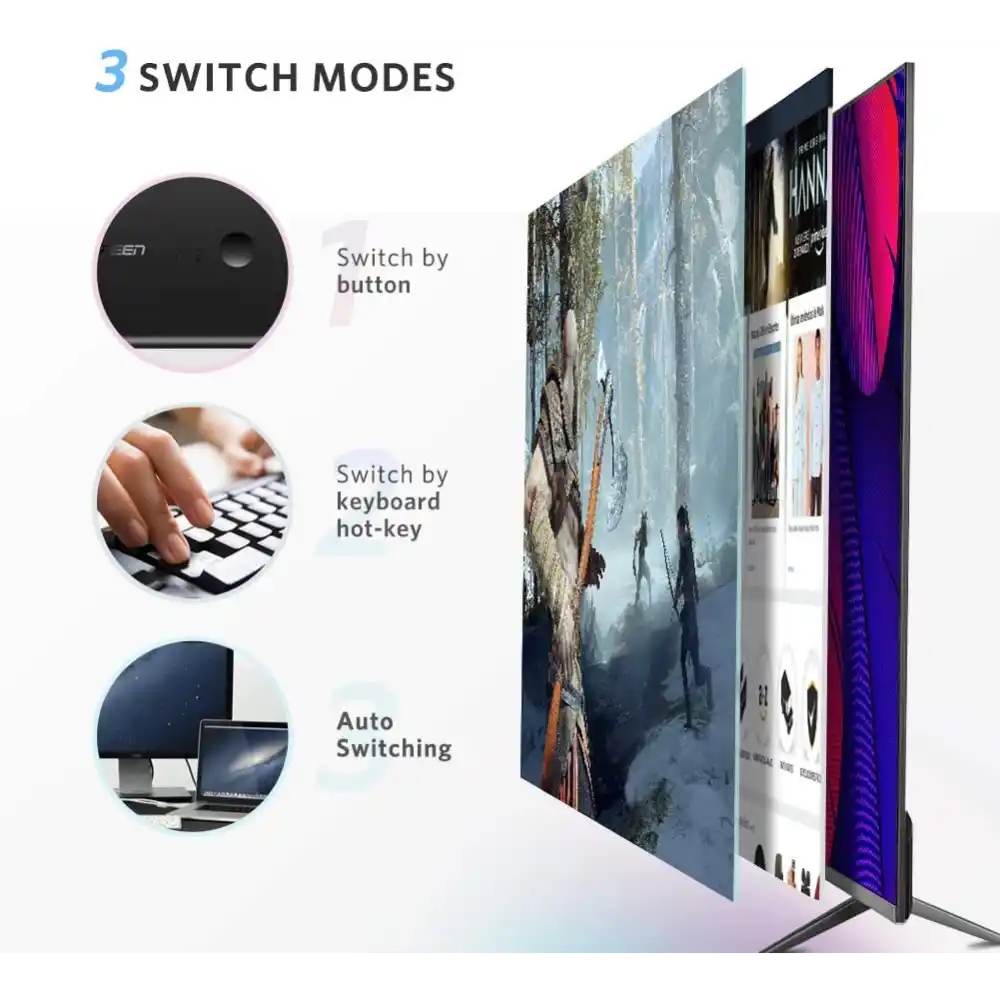
- So, switch between connected devices using the manual button or hotkeys.
- Also, run Auto Scan switching with adjustable timing from 10 to 999 seconds.
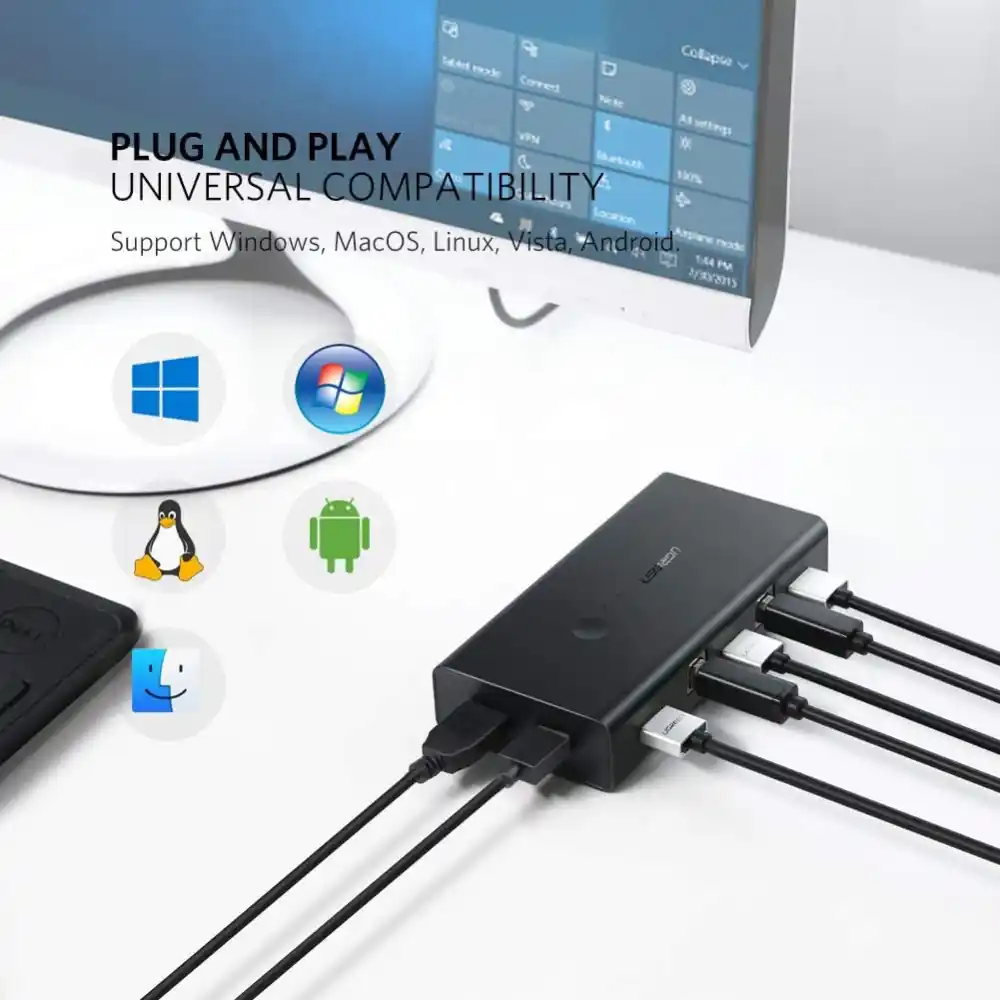
- Therefore, enjoy plug-and-play operation with no driver installation required.
- Also, use the switch with Windows, Linux, and Mac OS systems.
- Moreover, power the switch through USB, with no extra adapter needed.
Easy Device Switching on the UGREEN 50744
The UGREEN 50744 offers many ways to switch computers. As a result, you can press the physical button on the KVM box. Also, you can use keyboard hotkeys through the USB 1.1 Type-A ports. For hotkey switching, double-click the Ctrl or Scroll Lock key. Then, press 1 or 2 on the numeric keypad. This selects the computer you need. Additionally, Auto Scan switches devices at set intervals. You can adjust this timing from 10 to 999 seconds. Therefore, this flexibility suits different working styles.
USB 2.0 Peripheral Sharing
The built-in USB 2.0 ports share devices between two computers. As a result, you can connect a printer, scanner, or card reader. Also, USB flash drives work fine through these same ports. Furthermore, connect printers directly to the USB 2.0 Type-A ports. Then, install the required printer drivers on each computer. So, this setup keeps shared peripherals working smoothly.
4K HDMI KVM Switch Video Support
This 4K HDMI KVM switch outputs video up to 4K@30Hz. As a result, you can connect it to a monitor, TV, or projector. However, please note this: the UGREEN 50744 supports 4K@30Hz only. Also, it does not support 4K@60Hz. Therefore, check your display’s refresh rate first.
UGREEN 50744 Installation
First, connect HDMI IN1 and USB IN1 to your first computer. Then, connect HDMI IN2 and USB IN2 to your second computer. Next, connect the HDMI output to your display. Also, connect your keyboard and mouse to the USB 1.1 ports. Furthermore, match each HDMI input to its correct USB input. So, HDMI IN1 pairs with USB IN1. Also, HDMI IN2 pairs with USB IN2. The switch needs USB cables for each computer connection too. Additionally, it has overcurrent protection at a maximum of 1A. Therefore, we do not recommend external hard drives with this switch.
UGREEN 50744 Compatibility
The UGREEN 50744 works with several systems. This includes Windows 10, 8, 7, and XP. Also, it works with Linux and Mac OS. You do not need extra drivers for normal KVM use. Therefore, setup stays simple on most office or home computers.
Technical Specifications
- Model: UGREEN 50744
- Type: 4K HDMI KVM Switch, 2 In / 1 Out
- Video Resolution: Up to 4K@30Hz (does not support 4K@60Hz)
- USB Ports: USB 1.1 Type-A (keyboard/mouse), 2 x USB 2.0 Type-A (peripheral sharing)
- Switching Methods: Manual button, keyboard hotkeys, Auto Scan (10-999 seconds)
- Power: USB-powered, no external adapter required
- Overcurrent Protection: Maximum 1A (external hard drives not recommended)
- Setup: Plug-and-play, no drivers required for KVM function
- Compatible Systems: Windows 10/8/7/XP, Linux, Mac OS
UGREEN 50744 Package Contents
- UGREEN HDMI USB KVM Switch x 1
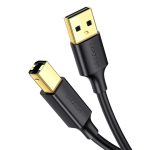
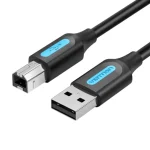
- USB 2.0 Type-B Cable 1.5M x 1
Frequently Asked Questions
Does this switch support 4K@60Hz resolution?
No, it does not. Also, the UGREEN 50744 supports 4K@30Hz only.
How do I switch between the two connected computers?
You can press the manual button, use hotkeys, or set up Auto Scan.
Can I connect an external hard drive to this KVM switch?
We do not recommend it. Also, the 1A overcurrent limit restricts higher-draw devices.
Do I need to install drivers for basic KVM operation?
No, you do not. It works as a plug-and-play device for standard use.
Which operating systems does this switch support?
It works with Windows 10, 8, 7, XP, Linux, and Mac OS.
Can I share a printer between both computers?
Yes, you can. Also, connect it to a USB 2.0 port and install the driver.
How does the Auto Scan feature work?
It switches devices automatically. You can set the timing from 10 to 999 seconds.
Do you provide warranty on this product?
Yes, we do. Also, every order ships with official warranty coverage.
Fast Delivery & Customer Support
Buy the UGREEN 50744 from One Chip Computers with confidence. We offer genuine UGREEN products and reliable support. Also, we deliver fast across Pakistan. Our team stays ready to help with compatibility, setup, and general questions.
Reviews
There are no reviews yet.